Quickstart
Set up Tenki Code Reviewer in minutes. Install the GitHub App and supercharge your workflows with the step-by-step Migration Wizard.
Create your Tenki Account
To get started, head to the Registration Page. From there, choose Email and Password or Register with GitHub method:

Access the Tenki Code Reviewer panel
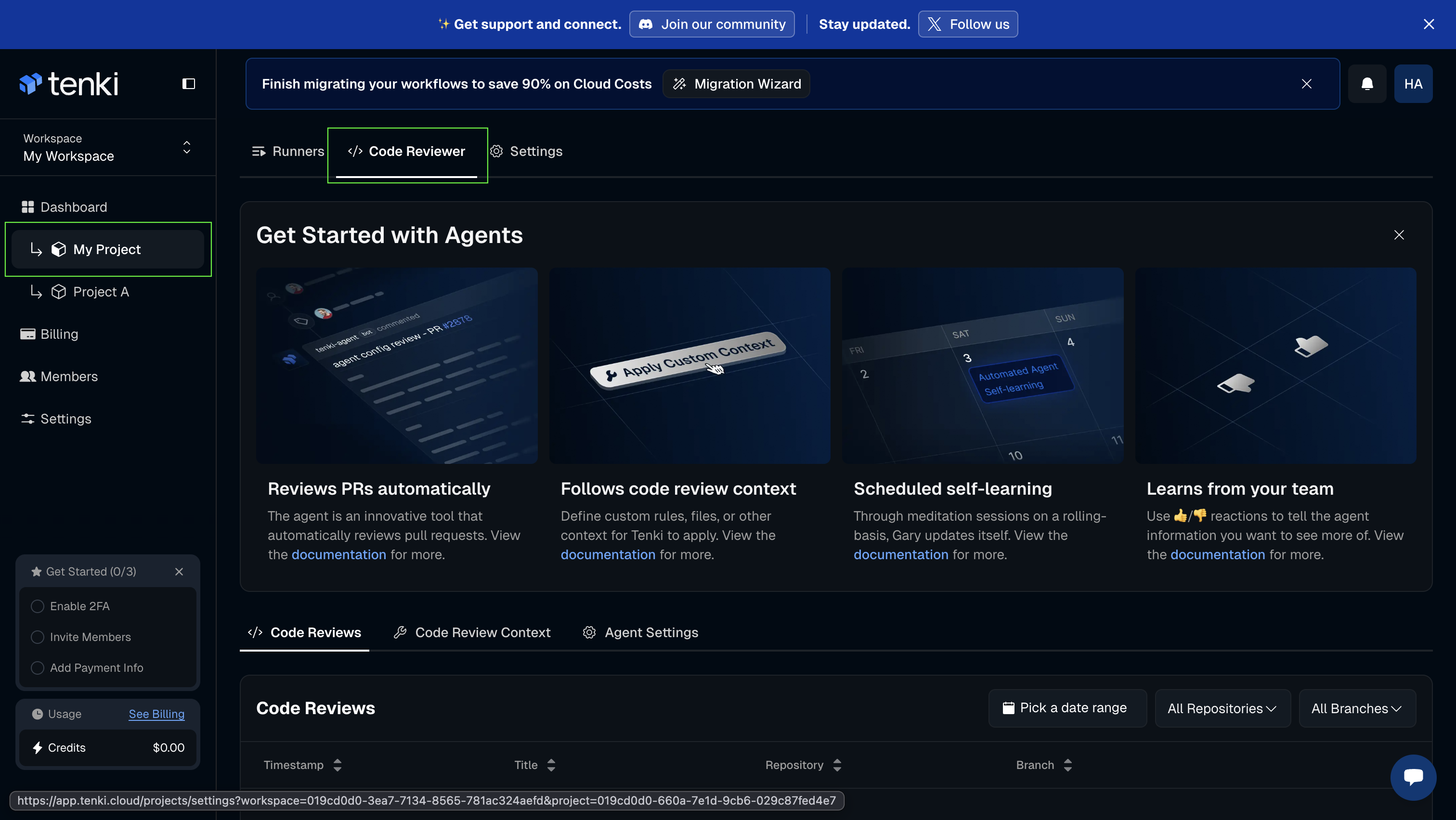
Next step will be to select your project and access the Tenki Code Reviewer tab.
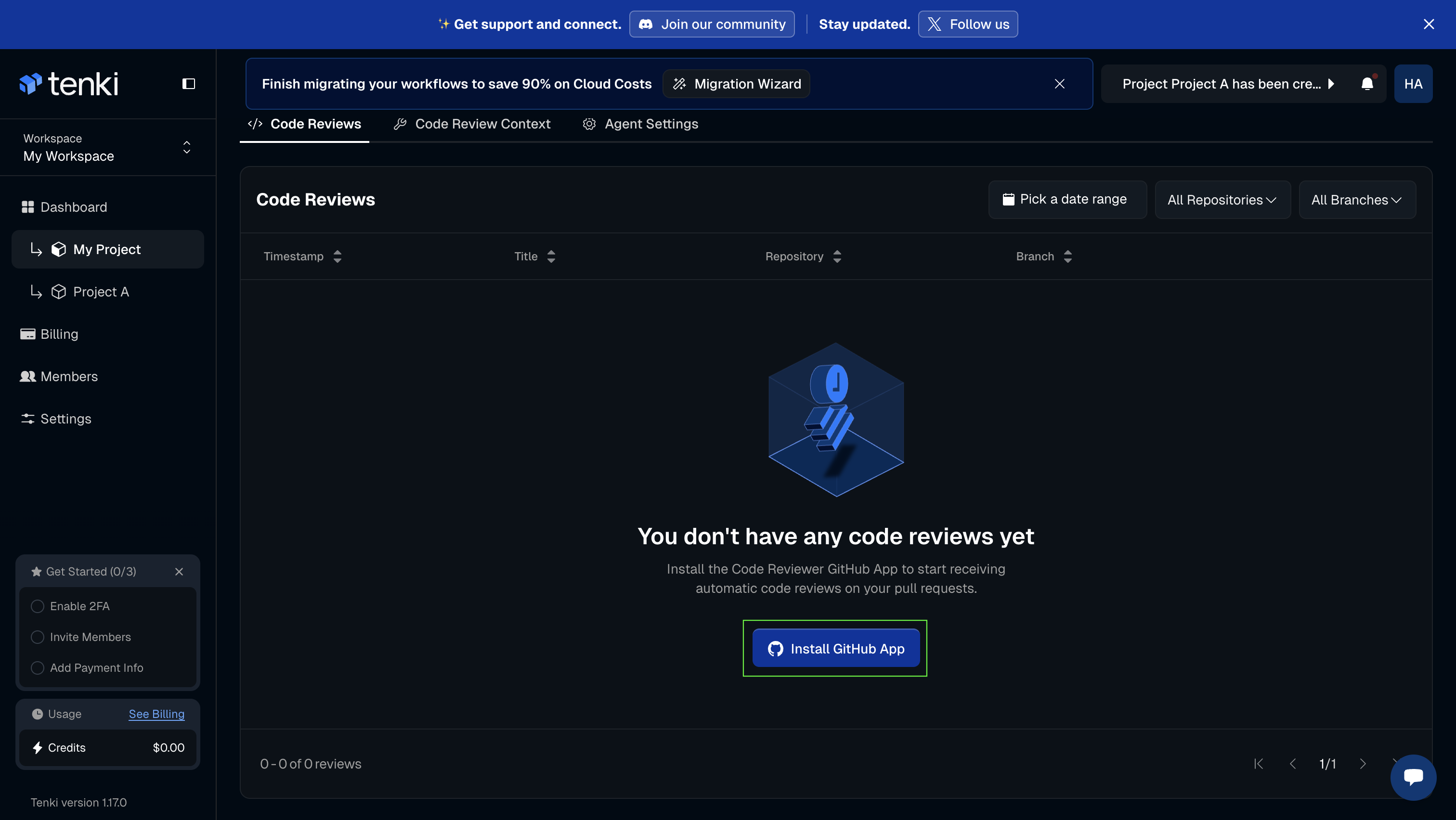
Install the Tenki Reviewer GitHub App
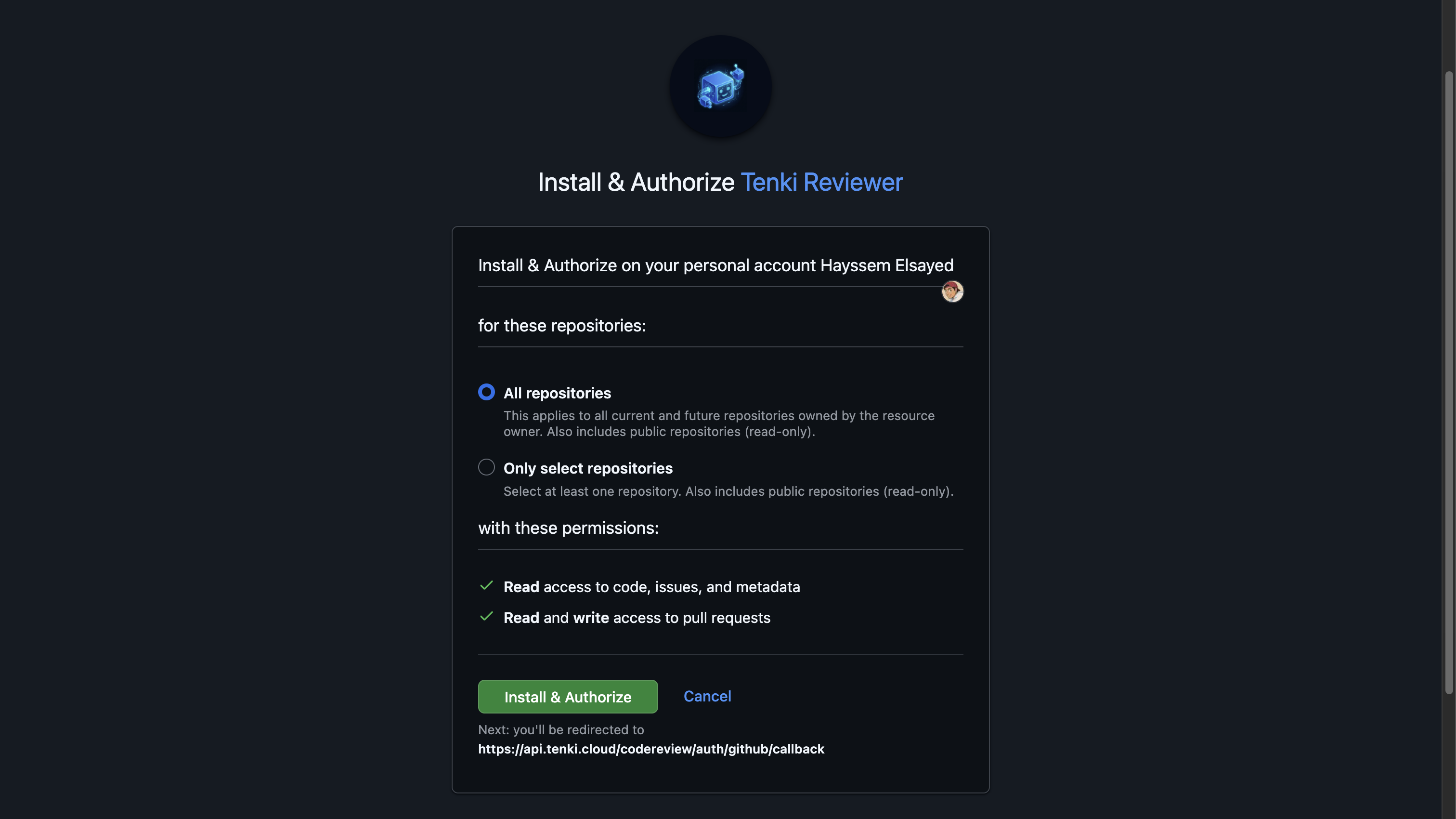
Next step will be to connect your GitHub Organization to your Workspace by installing the Tenki Reviewer GitHub application.
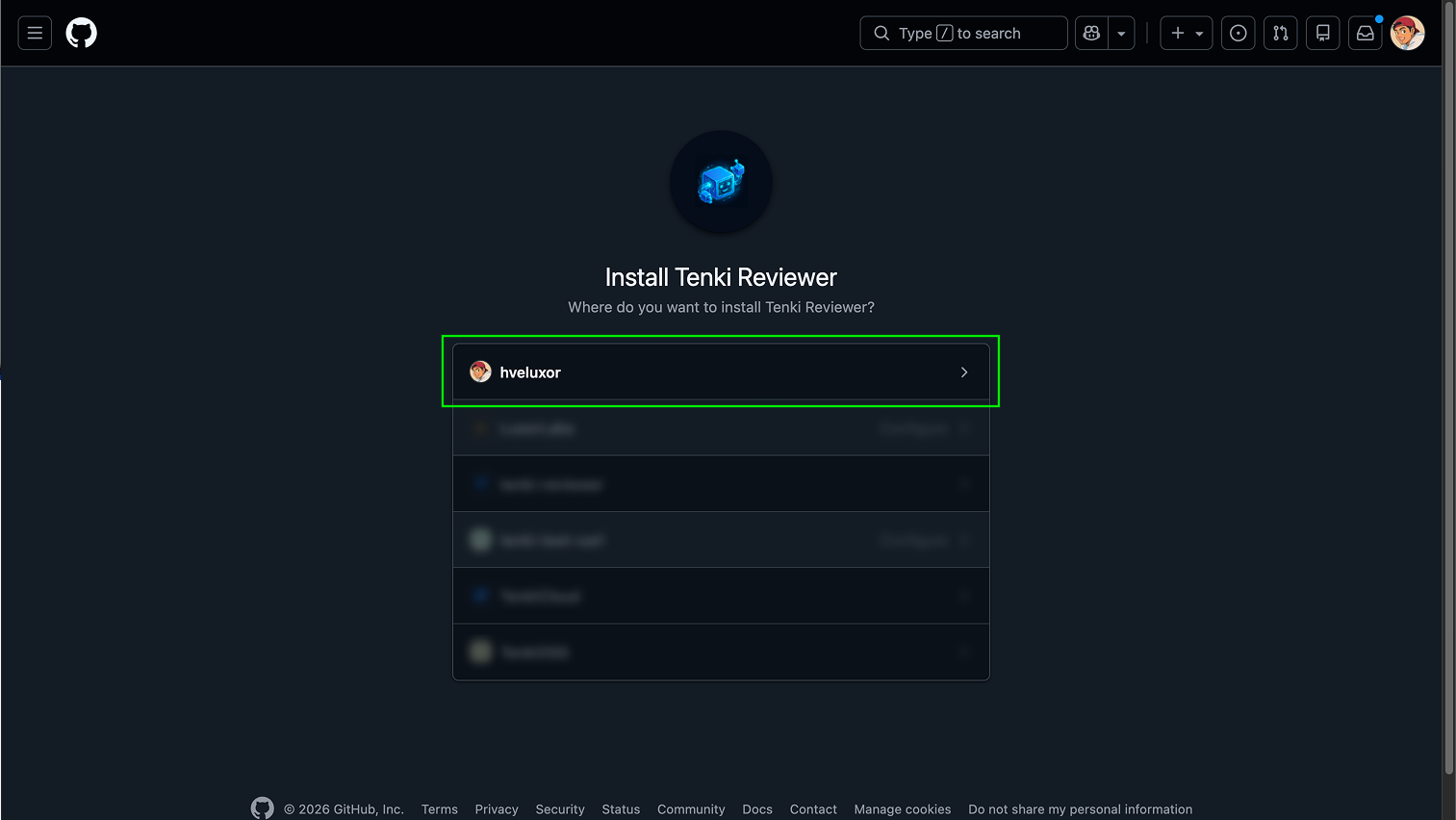
Select the level of permissions you want to grant the application and click on Install & Authorize:
Create Your First PR Review
Perfect, you’re all set! 🎊. There are now two ways to trigger the Tenki Code Reviewer.
When you open a PR, Tenki Code Reviewer posts two live comments simultaneously:
- Summary
- Review Comment
Both comments:
- Appear as soon as analysis starts
- Update dynamically while the review is running
- Reach their final state when the 👍 icon appears
Live Status
| Status | Emoji | Meaning |
|---|---|---|
| Analyzing | 👀 | Tenki is building context and reviewing the PR (~3 minutes) |
| Complete | 👍 | Analysis finished |
| Failed | 😕 | Tag @tenki-code-reviews to retry |
Manual PR Review
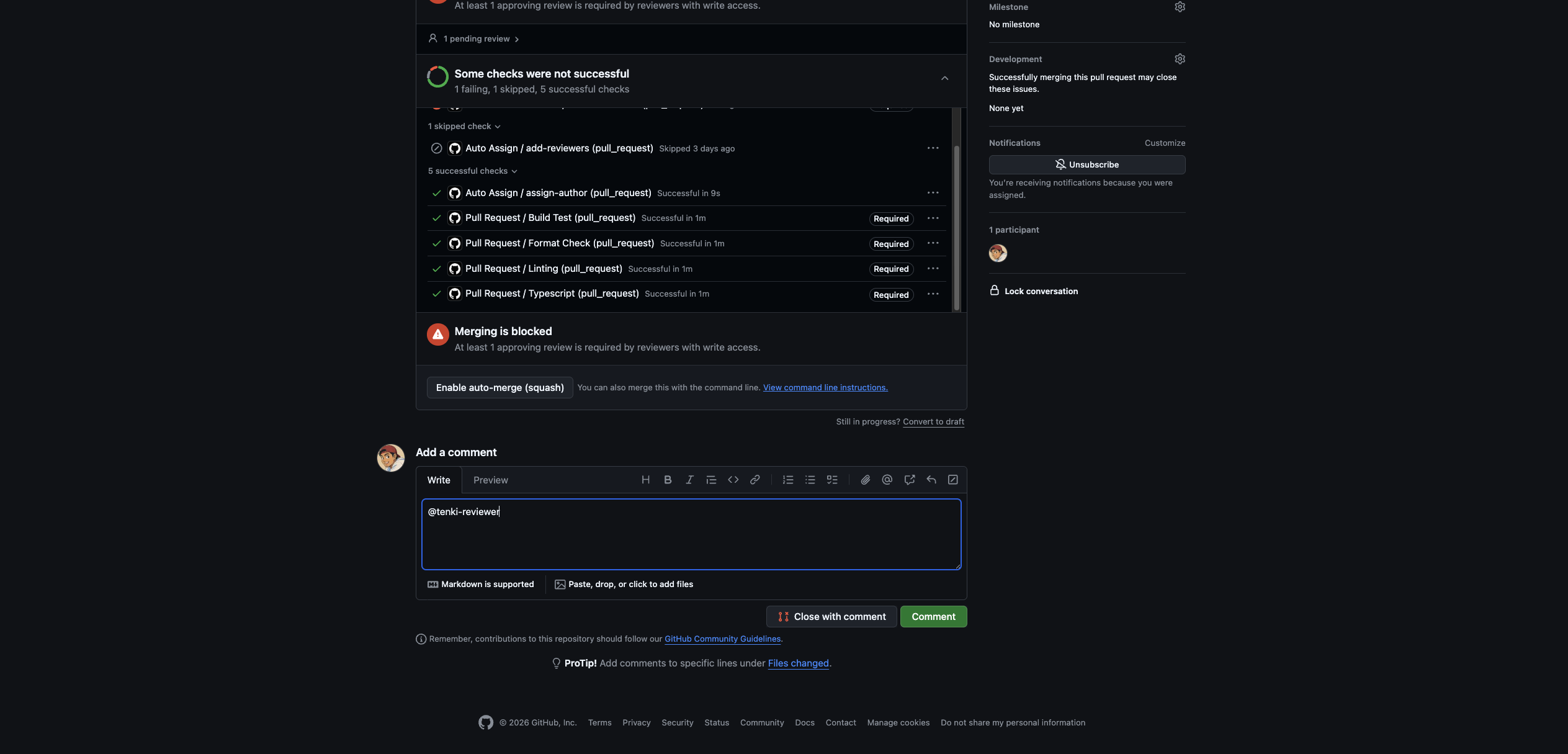
You can trigger a code review manually by tagging @tenki-reviewer in a comment. This is especially useful for reviewing older PRs created before Tenki Code Reviewer was integrated.